Amazon accounts for nearly 40 percent of U.S. ecommerce sales and serves hundreds of millions of active customers worldwide. For many online businesses, it is a core revenue channel.
But selling on Amazon introduces operational complexity. More than 60 percent of Amazon’s total sales come from third-party sellers, meaning millions of businesses must manage their own inventory, orders, fulfillment methods, and supplier relationships.
As a seller’s order volume grows, tasks like updating stock levels, routing orders to suppliers, and sending tracking information back to Amazon become harder to manage manually. This increases the risk of overselling, late shipments, and account performance issues.
This is where Amazon integration becomes essential.
Amazon integration connects Amazon Seller Central to your storefront, inventory sources, vendors, and fulfillment partners. Sellers can set it up so data flows between these systems automatically.
This guide explains what Amazon integration is, covers the main integration types, and ends with a real-world implementation example.
|
📖 Got a Shopify Store too? Check out our guide to Shopify Integration. Or read our more general guide on ecommerce integration. |
What Is Amazon Integration?
Amazon integration is the process of connecting Amazon Seller Central with the systems that run your business, so information flows automatically, and you don’t have to manage it manually.
Manually managing Amazon Seller Central typically involves:
- Logging into multiple systems to download order reports
- Manually updating inventory quantities
- Copying shipping details between platforms
- Forwarding orders to fulfillment partners or suppliers one by one
Each step relies on timely human input, which becomes harder to maintain as order volume increases.
Amazon integration is made possible through Application Programming Interfaces (APIs). These are sets of rules that allow different software systems to communicate with each other automatically.
Amazon provides interfaces such as the Selling Partner API, which allow sellers to sync key Amazon data with external systems. This data includes orders, inventory management, product listings, and fulfillment workflows. This automation makes it easier for sellers to operate and scale.
Most Amazon integrations focus on a small set of critical data types:
- Product data: Titles, descriptions, pricing, and availability that must stay consistent across systems.
- Inventory levels: Accurate stock counts to prevent overselling or stockouts, especially when inventory is shared across channels.
- Orders: Automatically pulling new orders out of Amazon so they can be processed and fulfilled without manual work.
- Shipping and tracking: Sending shipment confirmations and tracking details back to Amazon so customers receive timely updates.
It’s also important to distinguish between manual workflows, partial integrations, and fully automated integrations.
- Manual workflows rely on people to move data between systems.
- Partial integrations automate individual steps; however, they require some manual work. A good example is when a seller automatically imports orders from Amazon, but still has to update inventory manually, forward orders to fulfillment partners, and upload tracking information back into Seller Central.
- Fully automated integrations manage the entire flow, from inventory updates to order routing and tracking, without constant human involvement.
As a seller’s order volume grows, these differences become increasingly important. Manual order handling and shipment updates are slower and more error-prone, directly affecting operational efficiency and profitability.
As a business scales, integration becomes less about convenience and more about maintaining accuracy, consistency, and control.
|
📖 Just getting started? Check out our guide to setting up your Amazon storefront. |
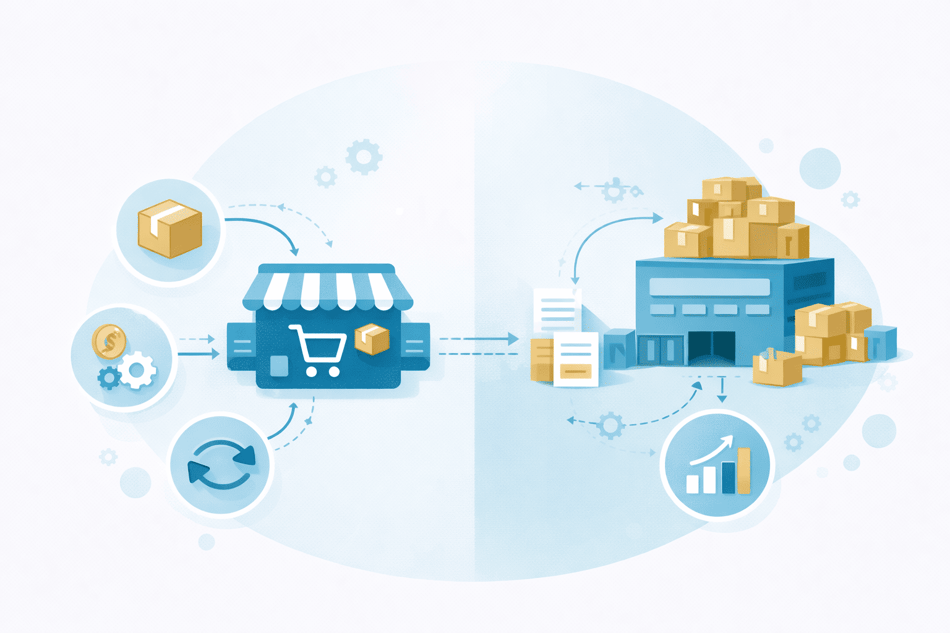
Amazon Marketplace vs Amazon Vendor Central

|
Amazon Marketplace |
Amazon Vendor Central |
|
Sell directly to customers |
Sell wholesale to Amazon |
|
Seller controls pricing |
Amazon controls pricing |
|
Open to most sellers |
Invite-only |
|
Uses Seller Central |
Uses Vendor Central |
|
Customer places orders |
Amazon issues purchase orders |
|
Seller or dropship vendor fulfills orders |
Amazon fulfills orders |
|
Inventory owned by seller or supplier |
Inventory owned by Amazon |
|
API-based integrations |
EDI-based integrations |
|
Best for marketplace sellers and dropshippers |
Best for large brands and manufacturers |
|
High operational control |
Limited operational control |
When people talk about Amazon integration, they often refer to two models: Amazon Seller Central and Amazon Vendor Central.
Let’s look at what each means.
Amazon Seller Central
This is used by marketplace sellers who list and sell products directly to customers on Amazon.
In this model, sellers retain control over product listings, pricing, inventory, and fulfillment. Seller Central is API-driven, which allows sellers to connect Amazon to external systems and automate tasks such as inventory syncing, order management, and shipping updates.
Amazon dropshippers and ecommerce businesses widely use this model because it supports flexible fulfillment and multi-vendor workflows.
Amazon Vendor Central
This is used by companies that sell products wholesale to Amazon, which then sells them to its customers.
Integrations in Vendor Central typically rely on Electronic Document Interchange (EDI), a standardized way for businesses to exchange documents electronically. Businesses use this to exchange information such as purchase orders, invoices, and shipping notices.
Access is invite-only, and vendors have limited control over pricing and listings compared to marketplace sellers.
The rest of this article focuses exclusively on Amazon Marketplace integrations.
The Main Types of Amazon Integration
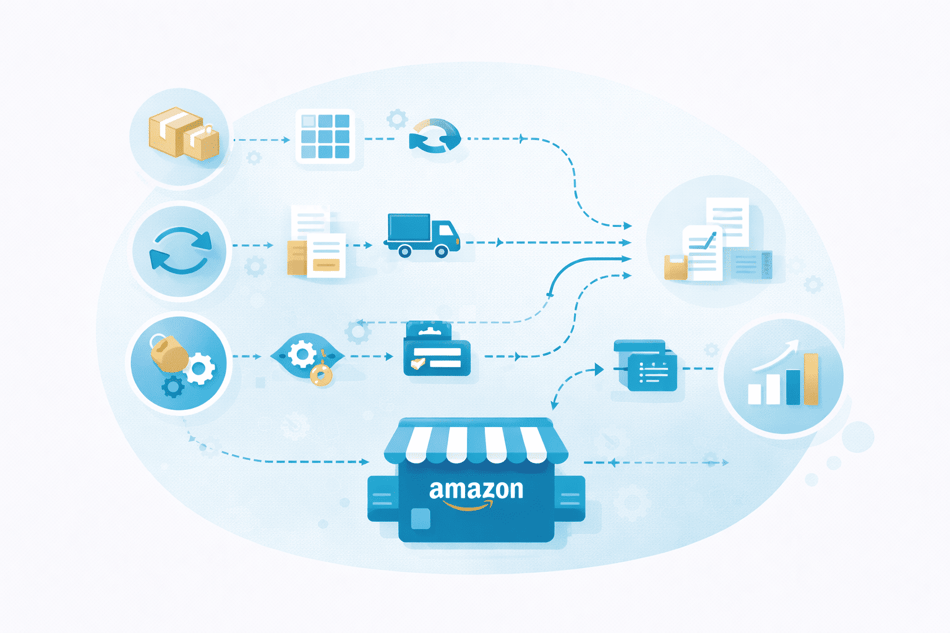
Amazon integration involves multiple integrations working together, each responsible for a specific part of the operation.
As a business grows, these integrations form the infrastructure that keeps product data, inventory, orders, and fulfillment aligned across systems.
This section lists the most common Amazon integrations.
Storefront integrations
Storefront integrations connect Amazon Seller Central with an ecommerce platform such as Shopify, WooCommerce, or BigCommerce.
They are most common among sellers who operate both a direct-to-consumer store and an Amazon marketplace presence.
These integrations typically keep product listings and inventory levels in sync between the storefront and Amazon, reducing the need to manage separate catalogs or reconcile sales manually.
Typical examples of storefront integrations include:
Inventory integrations
Managing inventory on Amazon becomes difficult as soon as stock is shared across multiple channels or fulfillment methods.
Without integration, sellers often rely on manual updates in Seller Central, periodic spreadsheet uploads, or delayed inventory reports.
This creates gaps between availability and what Amazon shows to customers, increasing the risk of overselling, stockouts, and canceled orders.
Inventory integrations address this by keeping stock levels in sync automatically. Instead of updating quantities by hand, inventory data is pulled from one or more inventory sources and pushed to Amazon in near real time.
Examples of common inventory integration platforms include:
Order management integrations
Without integration, order management often involves sellers downloading order reports from Seller Central, copying order details into another system, and manually tracking which orders have been processed or shipped.
When multiple sales channels or fulfillment partners are involved, this quickly leads to delays, missed orders, and inconsistent order status updates.
Order management integrations address this by automatically pulling new orders from Amazon and pushing them into a central system for review, processing, or fulfillment routing.
This might be an order management platform, a warehouse system, or a shared workflow used across multiple marketplaces.
Examples of order management integrations include:
Fulfillment and shipping integrations
Fulfilling Amazon orders manually often requires sellers to switch between multiple systems to create shipping labels, select carriers, and return to Seller Central to upload tracking information.
When fulfillment is handled by warehouses, third-party logistics providers, or dropship suppliers, these handoffs become harder to manage consistently, especially at higher volumes.
Fulfillment and shipping integrations simplify this process by connecting Amazon orders directly to the systems responsible for shipping.
They automate tasks such as label creation, carrier assignment, and sending tracking details back to Amazon once orders ship.
This helps ensure customers receive timely delivery updates while reducing the operational overhead involved in managing fulfillment across multiple partners.
Examples of shipping integrations include:
Vendor integrations
For sellers who rely on external suppliers, inventory and fulfillment are managed outside of Amazon. This is especially true for dropshippers who rely entirely on third-party vendors—we’ll explain more about this later in the article.
Each vendor typically maintains its own inventory system, order-processing workflow, and method for providing tracking information.
Without integration, sellers must manually check vendor stock, forward Amazon orders to suppliers, and wait for shipment details to be sent back before updating Seller Central.
Vendor integrations address this by connecting Amazon operations directly to supplier systems.
These integrations allow inventory availability, order details, and tracking updates to move automatically between vendors and the seller’s Amazon workflows.
This makes it possible to route orders to the correct supplier, keep Amazon inventory accurate, and return tracking information without manual coordination.
Vendor integrations are essential for dropshipping models, but they also matter for sellers working with multiple warehouses or distributors.
They link Marketplace activity to the systems that fulfill orders, ensuring that inventory, orders, and shipping updates stay aligned as Amazon sales volume grows.
Spark Shipping is a great example of a vendor integration platform. We’ll explain more about it later in the article.
How these integrations work together
Most sellers use multiple Amazon integrations at once. A storefront integration may manage product data, an inventory integration keeps stock levels accurate, an order management integration handles incoming orders, and a fulfillment integration manages shipping and tracking.
Together, these integrations replace fragmented, manual workflows with coordinated data flows, allowing sellers to operate more reliably as their Amazon business scales.
Why Amazon Integration Matters for Modern Ecommerce Businesses
Selling on Amazon places ongoing operational demands on sellers. Here are some of the ways Amazon integration supports reliable growth.
It reduces manual work
Automation removes much of the repetitive admin involved in ensuring your Amazon seller account and external workflows are aligned. This reduces reliance on human input and lowers the risk of mistakes. Estimates suggest that repetitive work can be reduced by 60–95% with automation in place.
This allows teams to focus on higher-value work instead of routine operational tasks.
It speeds up order processing
When orders move automatically from Amazon into a central workflow, they can be reviewed, routed, and fulfilled without delays caused by manual handoffs. In fact, workflow cycle times can drop by up to 77% when manual steps are removed.
Faster order processing helps sellers keep pace with growing demand and meet Amazon’s performance expectations.
It reduces inventory and fulfillment errors
Manual inventory updates often lag behind real availability, particularly when stock is shared across channels or fulfillment methods.
34% of ecommerce businesses say managing inventory across multiple channels is a major challenge, leading to discrepancies and fulfillment delays when stock isn’t aligned.
Integration keeps inventory data aligned across systems, reducing overselling, stockouts, and order cancellations.
It improves customer satisfaction
Accurate inventory, faster order handling, and timely shipping updates lead to fewer cancellations and late deliveries.
83% of online shoppers expect regular communication about their orders. Integrated fulfillment workflows improve visibility into order status and delivery progress, directly affecting buyer confidence and leading to repeat purchases.
In fact, 65% of people say a positive ecommerce experience is more influential than great advertising.
It allows businesses to scale without adding headcount
Employees spend up to 50% of their time on manual, repetitive work. However, automation replaces manual tasks, enabling teams to manage higher order volumes without increasing staffing levels.
This allows businesses to grow while keeping operating costs under control, rather than adding headcount each time volume increases.
The Unique Challenge of Amazon Integration for Dropshippers
The benefits listed above matter even more for dropshippers.
That’s because vendors handle inventory and fulfillment, but Amazon still holds the seller accountable for stock accuracy, shipment speed, and tracking updates.
That means dropshippers are judged on performance metrics they do not directly control.
Let’s look into these issues in greater detail.
Dropshippers rely entirely on external vendors
Dropshippers depend on third-party suppliers to provide inventory, accept orders, and ship products.
That means the most important operational data, stock availability, order status, and tracking, exists outside Amazon and the seller’s systems.
Without integration, sellers must manually bridge that gap, often by logging into vendor portals, reviewing files, or exchanging emails.
Inventory data is fragmented and inconsistent
Supplier inventory data rarely comes from a single source. One vendor may provide an API feed, another may upload daily spreadsheets, and others may only update availability periodically. These differences make it challenging to keep Amazon inventory accurate at all times.
One product may have multiple suppliers
To improve availability or pricing, dropshippers often source the same product from multiple vendors. Each supplier may use different SKUs, pricing rules, and fulfillment timelines.
Without integration, sellers must manually decide which supplier should fulfill each order, track availability across vendors, and update Amazon accordingly. As order volume grows, this decision-making becomes harder to manage consistently.
Manual order forwarding does not scale
In many dropshipping setups, Amazon orders are forwarded to suppliers one at a time. Sellers must confirm receipt, monitor fulfillment progress, and then return to Amazon to upload tracking information.
This approach isn’t scalable. Even modest growth can overwhelm manual workflows, leading to late shipments, missed updates, and increased error rates.
Why Amazon-only integrations don’t help dropshippersBasic Amazon integrations usually handle tasks like syncing listings or importing orders into another system, but they do not manage what happens once an order needs to be fulfilled. In other words, they only cover things that happen on the Amazon platform. For dropshippers, fulfillment happens outside Amazon, with third-party vendors. After an order is placed, someone still needs to decide which supplier will fulfill it, send the order details to that supplier, confirm availability, and collect tracking information once the order ships. Without vendor integrations, each of these steps must be handled manually. This is why vendor integrations are critical for dropshippers. They connect Amazon to the systems suppliers use, so inventory updates, order details, and tracking information are automatically passed directly between them. |
How Amazon Integration Works for Dropshipping and Supplier-Based Fulfillment
Now you know that Amazon-only integrations offer limited support to dropshippers.
However, with the right supplier integrations set up, you can create workflows that enable you to automatically fulfill orders outside Amazon and outside your own warehouse.
Understanding this kind of flow makes it easier to see how vendor-based Amazon integration works in practice.
We’ve provided an example below.
1. Suppliers share what they have in stock
Each supplier tells you which products they have available and how many units they can ship. Some suppliers update this information several times a day, others less often. This information reflects what suppliers can fulfill.
2. Stock information is standardized and combined
Because each supplier shares inventory differently, stock information needs to be aligned so the same product and data are recognized across suppliers. If more than one supplier sells the same item, their available stock can be combined to show the total.
3. Amazon is updated with accurate availability
Amazon listings are updated using this combined stock information. This means Amazon shows what suppliers can realistically ship, rather than relying on estimates. It also avoids ecommerce teams having to update stock information manually. The result is fewer instances of customers ordering products that are no longer available.
4. Orders are sent out as soon as they are placed
When a customer places an order on Amazon, the order details are passed from Amazon automatically. This includes what was ordered, how many units, and how the customer wants it shipped.
5. The order goes to the right supplier
The order is sent to the supplier best placed to fulfill it. That decision can be based on which supplier has stock available, which offers better pricing, or which can ship faster. The seller does not need to manually forward the order or decide who should handle it.
6. Shipping details are sent back to Amazon
After the supplier ships the order, the tracking information is sent back to Amazon automatically. Customers can see delivery updates, and the order status remains accurate without the seller having to upload tracking details manually.
By the end of this process, inventory, orders, and fulfillment updates remain aligned across systems.
How Spark Shipping fits into an Amazon setup
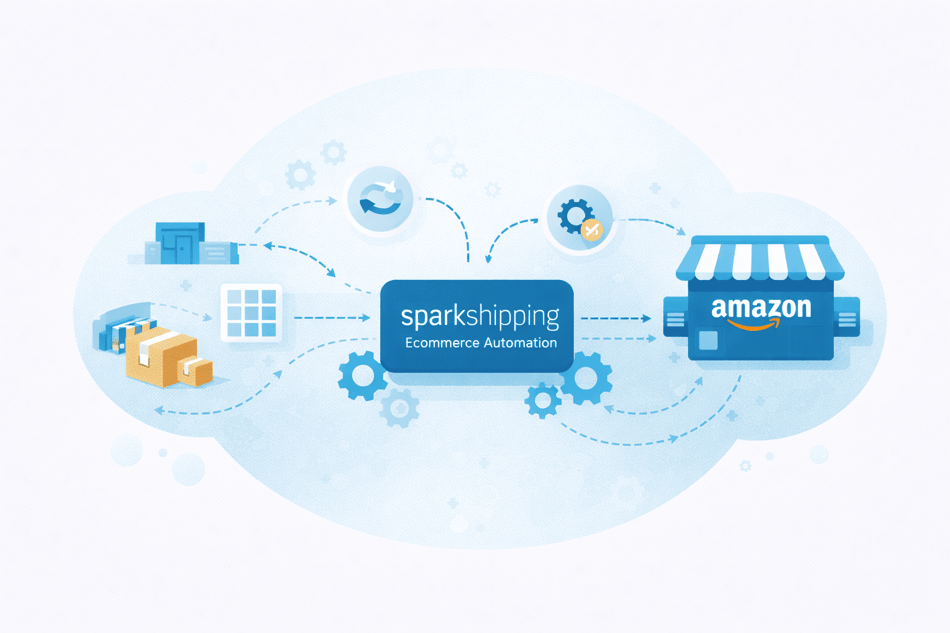
Let’s take a look at a specific example of an Amazon integration and how it helps dropshippers keep their storefront aligned with Amazon and vendors.
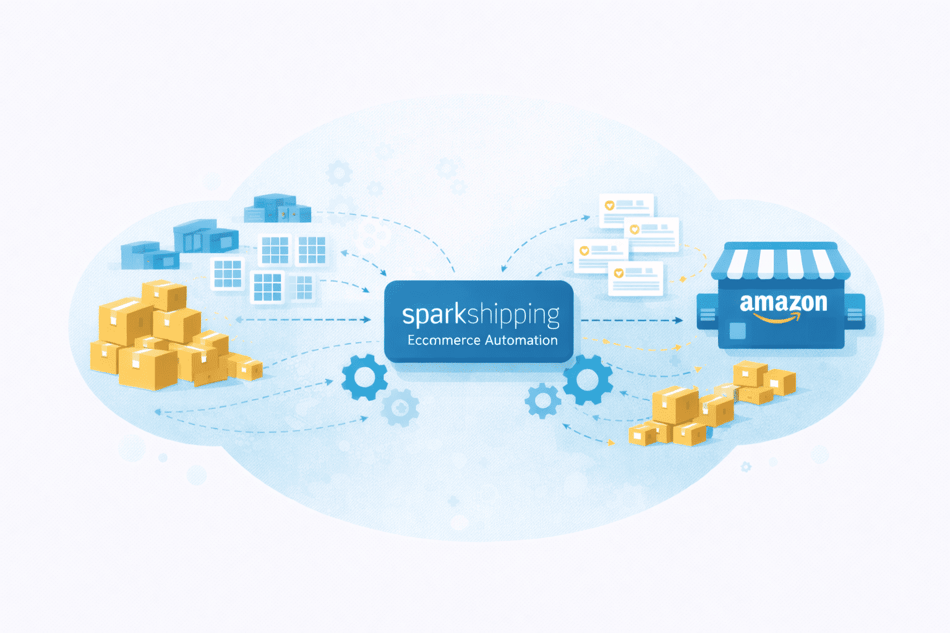
Spark Shipping automatically passes inventory updates, order details, and shipment information between Amazon and vendor systems.
Amazon remains the sales channel, vendors handle fulfillment, and Spark Shipping keeps the two aligned.
Instead of checking supplier stock, forwarding orders, and uploading tracking information by hand, sellers manage these workflows through a single integration layer.
Spark Shipping also supports multiple Amazon Marketplace storefronts using the same approach, allowing sellers to keep inventory and order processes consistent across multiple regions without building separate workflows for each storefront.
In the next section, we’ll show you how to integrate systems like Spark Shipping with Amazon Seller Central.
Step-by-Step: How to Integrate Vendors with Amazon Using Spark Shipping
Integrating vendors with Amazon means linking Seller Central to supplier systems and automating inventory updates, order routing, and tracking.
The following steps show how to set up a seamless integration with Spark Shipping.
Step 1: Connect Amazon Seller Central to Spark Shipping
- Log in to your Spark Shipping account.
- Go to Connections or Sales Channels (depending on your account layout).
- Select Add a store and choose Amazon.
- Choose the Amazon marketplace you sell on (for example, US, UK, or EU).
- Click Connect to begin authorization.
You’ll be redirected to Amazon Seller Central. Log in and approve Spark Shipping’s access request. This grants permission to read listings and orders, update inventory, and send shipment confirmations.
Once approved, you’ll be returned to Spark Shipping, where Amazon will now appear as a connected sales channel.
Step 2: Add your vendors in Spark Shipping
- In Spark Shipping, go to Vendors.
- Click Add Vendor.
- Select a vendor from the list if available, or choose Custom Vendor.
For each vendor, specify how Spark Shipping should receive data. This usually means entering API credentials or providing details for a scheduled file or feed. Save the vendor once the connection details are entered.
Repeat this step for each supplier you work with.
Step 3: Import vendor inventory data
After adding a vendor, navigate to that vendor’s settings in Spark Shipping.
- Enable the vendor’s inventory feed.
- Confirm the update schedule (for example, near real-time API updates or scheduled file imports).
- Run an initial import if prompted.
At this point, Spark Shipping will pull inventory data from the vendor and store it internally. You can usually view imported SKUs and quantities to confirm the data looks correct.
Step 4: Map Amazon SKUs to vendor SKUs
Next, link your Amazon listings to vendor products.
- Go to Product Mapping or SKU Mapping in Spark Shipping.
- Select an Amazon SKU from your catalog.
- Assign the corresponding vendor SKU.
If a product can be fulfilled by multiple vendors, map all relevant vendor SKUs. For larger catalogs, use the bulk mapping option to upload mappings via a file instead of mapping one by one.
This step tells Spark Shipping which vendor can fulfill each Amazon product.
Step 5: Sync inventory with Amazon
Once mappings are complete:
- Go to Inventory Settings for your Amazon connection.
- Enable inventory updates to Amazon.
- Define how inventory should be calculated if multiple vendors are mapped to one product (for example, total available quantity or priority-based).
Save your settings. From this point on, Spark Shipping will automatically update Amazon inventory levels based on vendor availability.
Step 6: Set up order routing rules
Now configure how orders are sent to vendors.
- Navigate to Order Routing Rules in Spark Shipping.
- Create rules that define which vendor receives an order. This might be based on availability, preferred supplier, or fallback logic.
- Save and activate the rules.
After activation, new Amazon orders will flow into Spark Shipping and be automatically forwarded to the appropriate vendor.
Step 7: Enable tracking and shipment updates back to Amazon
Finally, make sure shipment updates are enabled.
- Go to Tracking or Fulfillment Settings.
- Enable tracking updates for Amazon.
- Confirm how tracking information will be received from vendors.
Scale Your Business with a Spark Shipping Amazon integration
Amazon integration is the foundation that allows an Amazon business to operate reliably as order volume grows.
For dropshippers and supplier-based sellers, this foundation depends on vendor integrations. Inventory and fulfillment sit outside Amazon, often across multiple suppliers, and managing those relationships manually does not scale.
Without proper integration, even small increases in volume can lead to inventory errors, delayed shipments, and account issues.
Platforms like Spark Shipping exist to manage this complexity. By connecting Amazon to the systems vendors actually use, Spark Shipping helps sellers keep inventory accurate, route orders automatically, and return tracking information without constant manual coordination.
Want to see how it works? Book a demo to learn how Spark Shipping can automate your vendor network and support your growth.