Automate Tracking Updates Across Suppliers and Sales Channels

Manually managing shipment tracking across multiple ecommerce systems creates unnecessary operational work.

Spark Shipping automatically sends tracking information from suppliers and supported carriers to your connected ecommerce store or sales channel. Customer notifications follow your store or channel settings.

Improve shipment visibility, reduce manual admin work, and automate post-purchase communication.

Get a demo
View 150+ Prebuilt Integrations
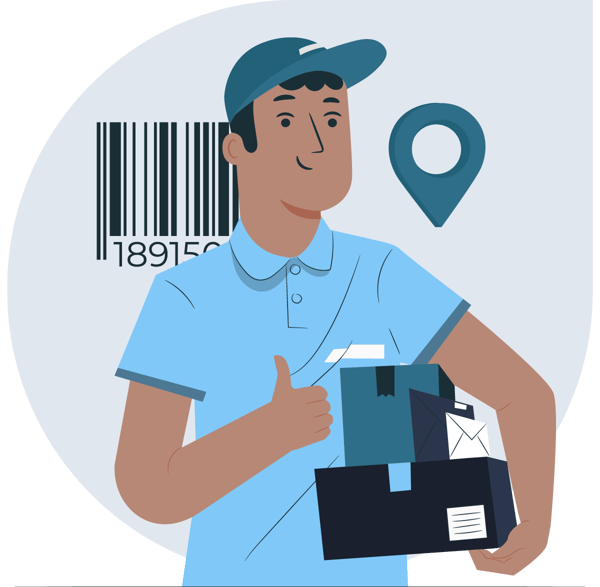
Courier holding parcels beside a tracking barcode and location pin.

Trusted by Multi-Supplier Ecommerce Businesses


Shipment Tracking Is Difficult to Manage at Scale

Shipment tracking often involves managing multiple suppliers, carriers, warehouses, and ecommerce platforms.

As order volumes grow, it becomes increasingly difficult to manage manually.

Teams often end up:

  • Updating tracking information manually across systems
  • Checking supplier emails for shipment updates
  • Reconciling tracking data between vendors and stores
  • Handling delayed or missing tracking information
  • Responding to customer shipment status requests

This creates operational overhead and increases the risk of delayed updates, customer support requests, and inconsistent shipment visibility.

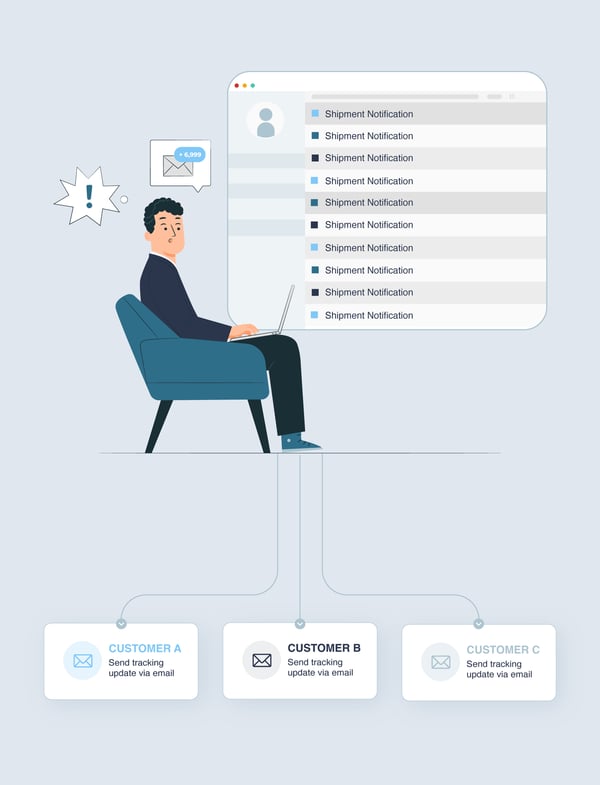
Ecommerce operator managing shipment notifications and customer tracking emails manually.

Centralize Tracking Updates Across Your Fulfillment Operations

Spark Shipping centralizes shipment tracking from suppliers and supported carriers, then sends tracking information to your connected ecommerce store or sales channel.

Instead of manually reconciling shipment updates across disconnected systems, everything flows through a single tracking workflow.

Synchronize tracking updates automatically

Keep shipment tracking data aligned across suppliers, stores, and fulfillment systems.

Reduce manual tracking work

Eliminate repetitive tracking, reconciliation, and manual shipment updates.

Improve shipment visibility

Keep tracking information aligned across suppliers and connected stores.

How It Works

1

1. Receive tracking updates

Import shipment tracking data from suppliers, supported carriers, and fulfillment systems.
2

2. Match tracking information to orders

Automatically match shipment tracking updates to the correct orders and fulfillment records.
3

3. Update stores and customers

Send shipment tracking information to your connected store or sales channel. Customer notifications follow its notification settings.

Benefits of Automated Tracking Updates

Reduce manual tracking work

Automate shipment tracking updates across your ecommerce operations.
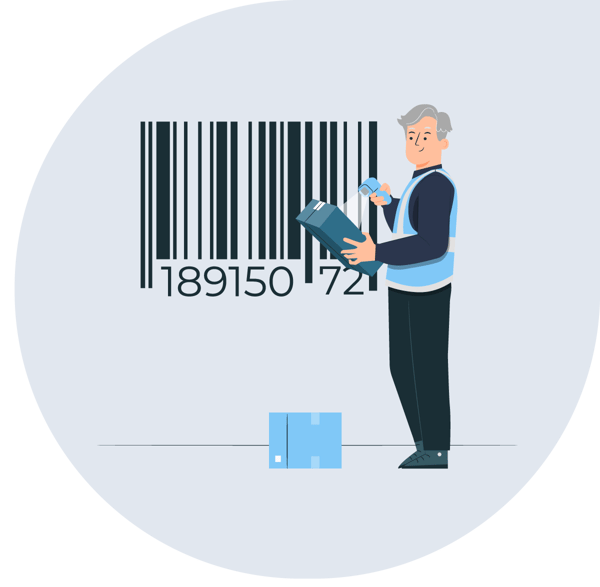
Warehouse worker checking a parcel barcode.

Improve post-purchase visibility

Keep shipment tracking information aligned across suppliers, stores, and customers.

Ecommerce operator reviewing shipment information on a magnified chart.

Reduce customer support overhead

Minimize “Where is my order?” requests with more consistent shipment visibility.

Customer support agent using a laptop beside a location pin.

Support multi-supplier fulfillment

Manage shipment tracking across vendors, distributors, warehouses, and dropshipping suppliers.

Ecommerce operator viewing multiple shipment locations on a map.

Keep fulfillment updates aligned

Maintain consistent shipment status updates across connected systems.

Customer viewing notifications beside a mobile phone.

Improve post-purchase communication

Help your connected store or sales channel keep customers informed using its notification settings.

Connected customer profiles around a globe.

Automatically Sync Tracking from Suppliers to Customers

Spark Shipping helps tracking information flow automatically from suppliers and supported carriers to your connected ecommerce store or sales channel, where customer notifications follow your settings.

This helps reduce manual reconciliation while creating a more connected post-purchase fulfillment process.

Tracking workflows can include:

Supplier tracking updates

Carrier tracking retrieval

Shipment status synchronization

Automatic store updates

Store or channel tracking notifications

Automated shipment visibility updates

Get a demo
View 150+ Prebuilt Integrations

Built for Multi-Supplier Ecommerce

Spark Shipping is designed for ecommerce businesses managing complex supplier networks and growing operational complexity, including:

  • Dropshipping businesses working with multiple suppliers
  • Distributor-based ecommerce operations
  • Hybrid warehouse and supplier fulfillment models
  • Large multi-supplier product catalogs
  • Teams scaling inventory, pricing, fulfillment, and supplier management
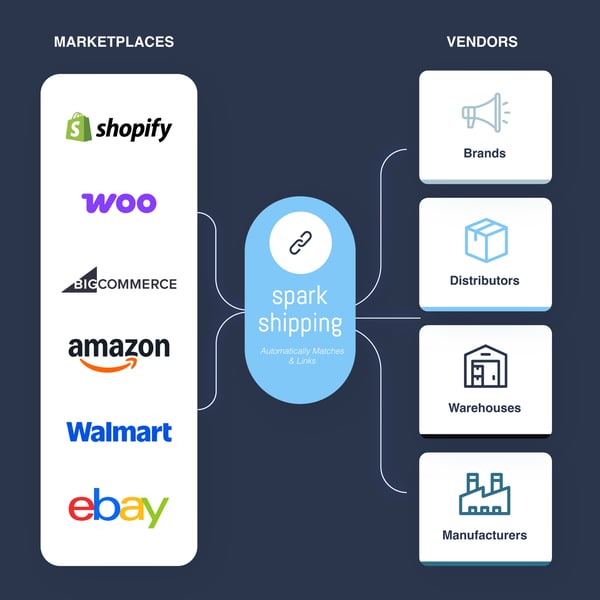
Spark Shipping connects ecommerce platforms with brands, distributors, warehouses and manufacturers.

Works with Your Existing Stack

Spark Shipping integrates with the systems you already use, helping you automate operations without rebuilding your ecommerce infrastructure.

SUPPORTS MAJOR PLATFORMS
llink

Supplier integrations

Connect suppliers through API, EDI, FTP, CSV, XML, email-based workflows, and custom integrations. 
LAYER

Multi-supplier operations

Support suppliers, distributors, warehouses, dropshipping vendors, marketplaces, and sales channels within one connected system. 
fitment

Fitment (YMM) tools

Export fitment data in the format required by your preferred Year/Make/Model plugin. 

What Our Customers Have to Say

  • juiced-autoparts star
    "Choosing Spark Shipping was a game-changer... What stood out was their range of pre-existing integrations and their openness to new ones—it never took more than 30 days. This quick integration is quite exceptional in the industry."
    Paul Andrew, CEO
    Read Full Case Study
  • logo_wraith-tactical star
    "Spark Shipping has made my business pretty much run on autopilot... The orders come in, get processed, sent to my suppliers, and the tracking is sent back. I never have to worry about inventory levels.
    Burt Wheeler
    Read Full Case Study
  • logo_bisco-health star
    "The most appealing part was the ability to automate all of my dropship orders. Their help has resulted in a dramatic decrease in the human labor needed to keep our order flow going."
    Sam Fine
    Read Full Case Study
  • logo_ishop-nutrition star
    "We were looking for a company that could do custom API integrations with our dropshippers... Spark Shipping automated and simplified the flow of order, tracking, and inventory data, saving staff hours."
    Read Full Case Study

Frequently Asked Questions

How can I stop manually updating tracking numbers in my ecommerce store?

Spark Shipping can receive tracking information from vendors, suppliers, carriers, or fulfillment systems and send that tracking information back to your ecommerce store or sales channel. This helps update order status without manually copying tracking numbers between systems.

How can I automatically send tracking updates from suppliers to customers?

Spark Shipping can send supplier tracking information back to your ecommerce store or sales channel. From there, your connected store or channel can trigger customer tracking notifications based on your notification settings.

How can I keep tracking updates synced across multiple suppliers and sales channels?

Spark Shipping helps centralize tracking updates across your vendor and channel integrations. Tracking information can flow from suppliers, carriers, or fulfillment systems into Spark Shipping and then back to the connected ecommerce store or sales channel.

How do I reduce “Where is my order?” support requests?

Spark Shipping helps keep tracking information and order statuses updated in your ecommerce store or sales channel. When tracking updates are more consistent, customers have better shipment visibility and your team can spend less time manually answering tracking questions.

Can tracking numbers from dropshipping suppliers update automatically?

Yes. Spark Shipping can receive tracking information from dropshipping suppliers and send that tracking information back to your connected store or sales channel, depending on how each supplier integration is configured.

How can I pull tracking numbers from UPS or FedEx into my ecommerce store?

Spark Shipping can pull tracking numbers from supported UPS and FedEx accounts when the required carrier credentials and tracking settings are configured. Once tracking is retrieved, Spark Shipping can use the shipment reference information to match the tracking number to the correct order.

How can I collect tracking updates from suppliers that send files by email?

Spark Shipping can support emailed tracking files for vendors. Suppliers can send tracking data in supported file formats, such as CSV or Excel, and Spark Shipping can use that information to update tracking records.

How can I update tracking automatically from a supplier file or direct link?

Spark Shipping can use an HTTP tracking file setup to update order tracking information from a direct file link, including Dropbox files, Google Sheets, or other supported direct links. The tracking file needs to use a supported format, such as CSV or XLSX, and be configured for the vendor.

How can supplier tracking updates be matched to the right ecommerce order?

Spark Shipping uses the tracking update method configured for each vendor to connect tracking data to the correct order. Tracking files or updates typically include order reference information, carrier details, and tracking numbers so Spark Shipping can update the matching order in your store or sales channel.

What happens if a supplier sends a carrier name my store does not recognize?

Spark Shipping supports tracking method mapping. This can translate vendor-sent carrier names into the correct tracking method or carrier format required by your ecommerce store or marketplace.

Can Spark Shipping automate tracking updates for multi-supplier fulfillment?

Yes. Spark Shipping is built for ecommerce businesses working with vendors, distributors, warehouses, dropshipping suppliers, and other fulfillment sources. It helps tracking updates flow back from those fulfillment sources to your connected store or sales channel.